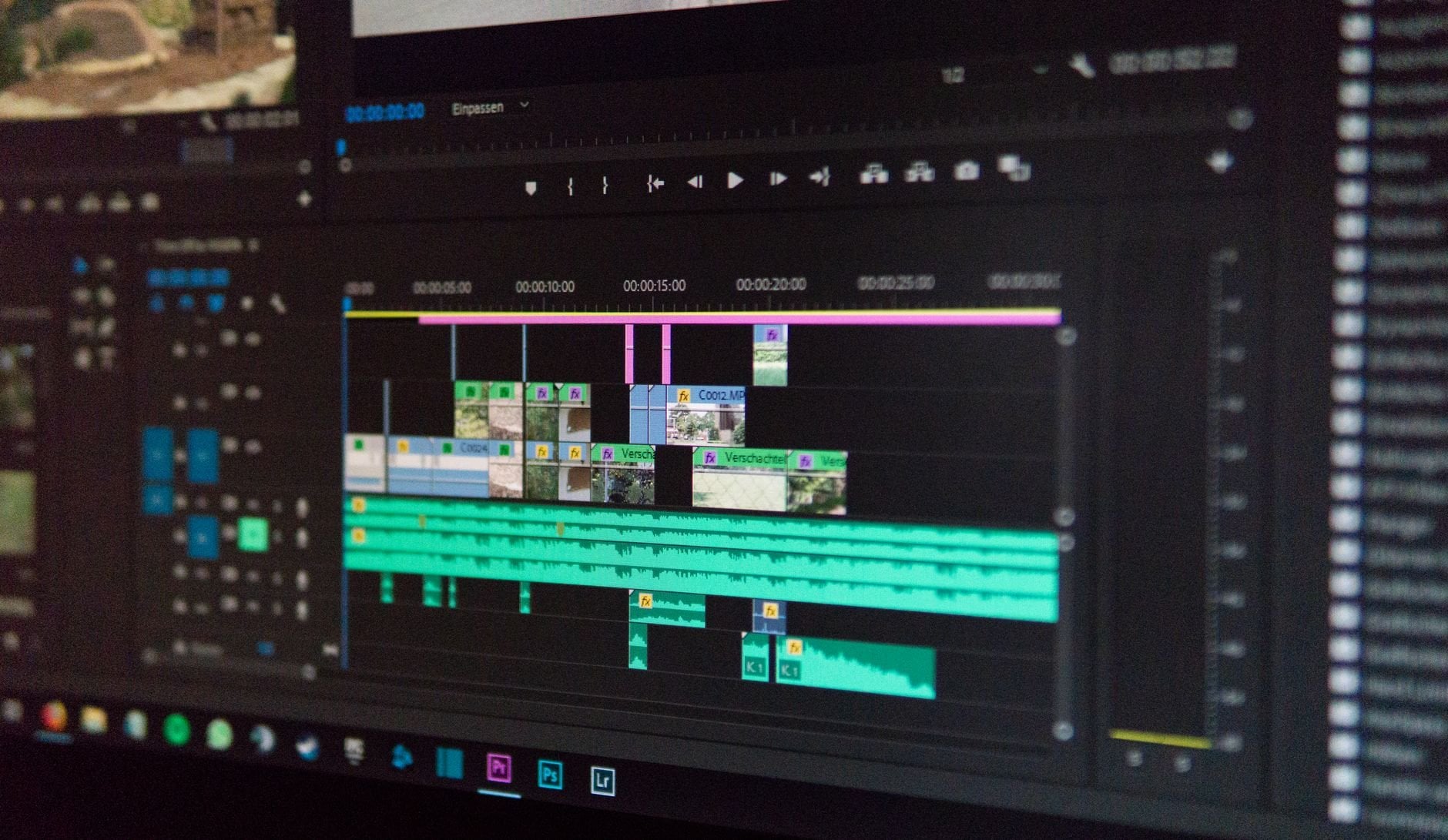
"PrimCut cut my delivery time in half. I finally stopped losing hours to the timeline and started spending it on the edit."
Precision tools for editors who live in the timeline.
Smart Cut Point Detection
PrimCut analyzes your audio and motion data to suggest precise cut points — silences, beat hits, scene changes — so you can approve or skip with a single keystroke. No more scrubbing for the right frame.
- Audio waveform analysis with silence detection
- Beat-synced cut suggestions for music edits
- One-click approve or skip — no mouse required
Rhythm-Based Timeline Automation
Lay down your music track and PrimCut maps the energy curve — drops, builds, beats — then distributes your clips to match. The kind of sync work that used to take an afternoon now takes three minutes.
- BPM and energy curve analysis
- Automatic clip distribution to beat markers
- Adjustable intensity — from subtle to full sync
Workflow Acceleration Suite
From sequence setup to export — PrimCut handles the repetitive overhead that compounds across every project. Keyboard shortcuts, smart presets, and batch operations built around how real editors actually work.
- Custom keyboard shortcut profiles per project type
- Sequence templates for faster project kickoff
- Batch color, audio, and export operations
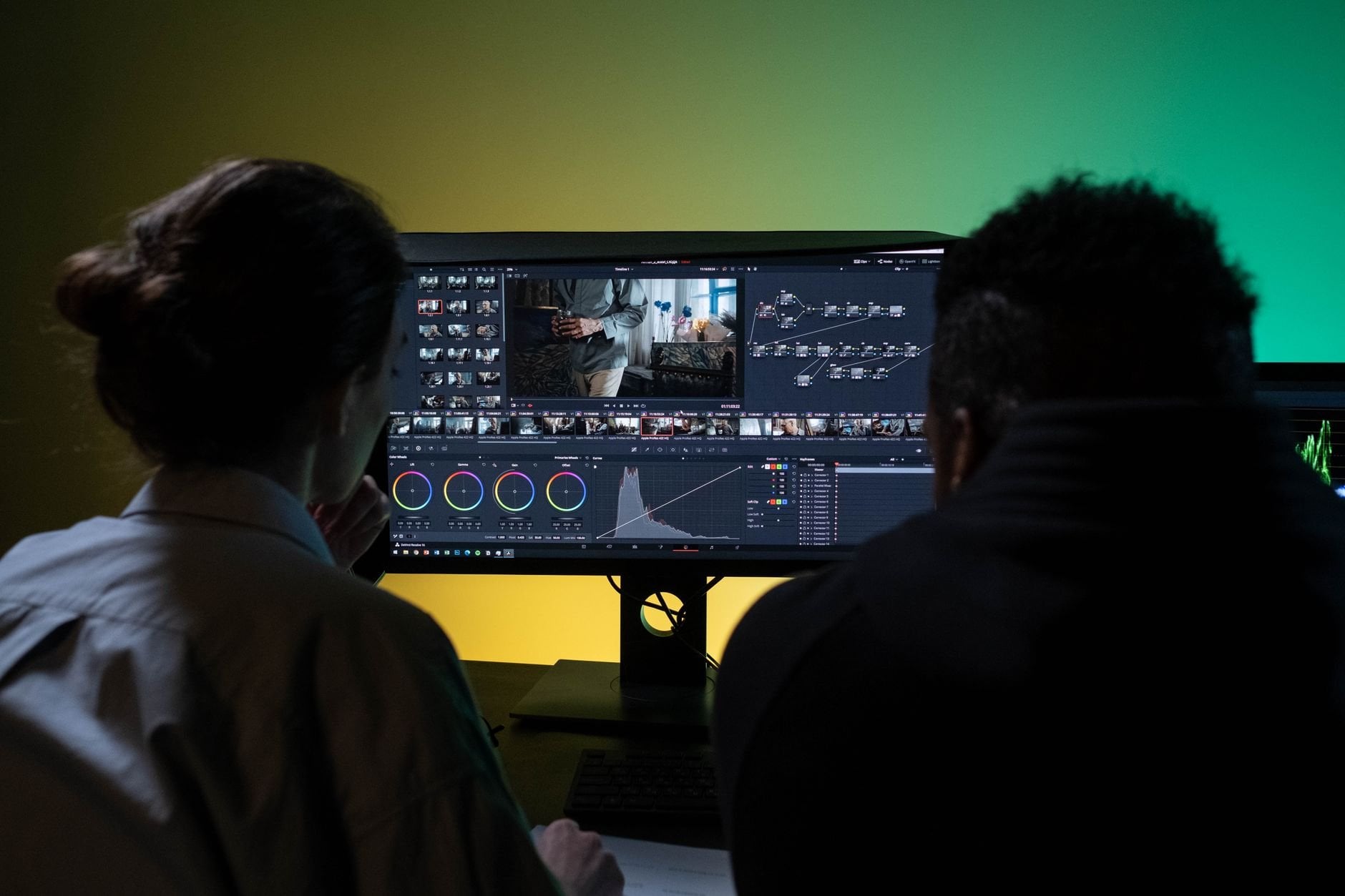
Built for editors. Not content creators.
The AI editing space is flooded with tools built for YouTube channels. PrimCut is different — surgical precision for editors who bill by the project and cannot afford mistakes.
| Feature | Generic AI Tools | PrimCut |
|---|---|---|
| Designed for Premiere Pro | ||
| Surgical timeline automation (not clip removal) | ||
| Rhythm-based editing for music sync | ||
| Preserves editorial intent | ||
| Works with client footage (not just creator B-roll) | ||
| Keyboard-first pro workflow | ||
| Basic auto-cut (for vloggers) |
Start saving time today.
7-day free trial. No credit card required.
Solo
For freelance editors working independently
- Smart cut detection
- Rhythm-based editing
- 10 custom shortcut profiles
- Email support
Pro
For editors billing multiple clients monthly
- Everything in Solo
- Unlimited shortcut profiles
- Batch sequence operations
- Project templates library
- Priority support
- Early access to new features
Team
For post-production agencies and studios
- Everything in Pro
- Up to 10 seats
- Shared project templates
- Team shortcut sync
- Dedicated account manager
- Volume licensing
All plans include a 7-day free trial. No credit card required. Cancel anytime.
Stop losing hours.
Cut smarter.
PrimCut gives you back the hours you spend fighting your timeline — so you can take on more projects, deliver faster, and do better work.
7-day free trial. No credit card. Works with Premiere Pro 2022+